Structured content import
Use child import definitions to import data with a parent–child structure, such as product categories and their products.
In this example, a saved import definition ProductCategory imports product categories. A child definition then imports the products into the right category.
Create a child definition
- In the Import definitions tree, open the actions menu of the parent definition (here ProductCategory).
-
Select Create child definition.
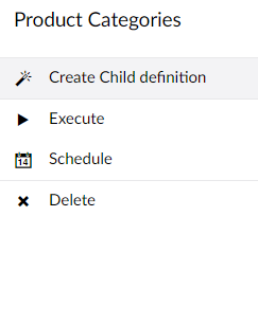
The import wizard starts again, with a few differences described below.
Select the data source
When you pick the same data source type as the parent, the wizard selects the parent's data source for you.
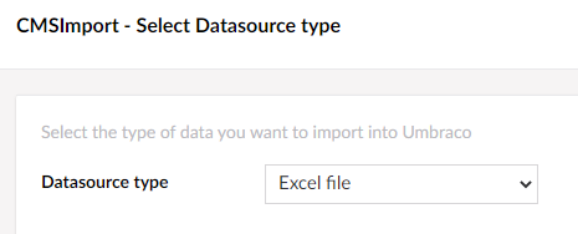
Set the content import options
You don't choose a location, because each item is stored under its parent record. Instead you set the
parent relation key: the field that links a record to its parent. In this example that is
ProductCategoryId.
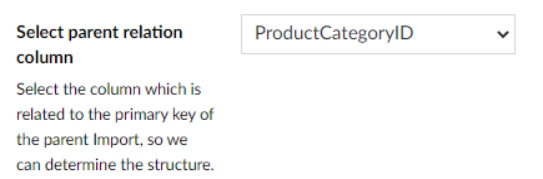
All other steps are the same as in the import wizard.
Result
When you run the parent definition, the content tree is filled with the categories and their products.
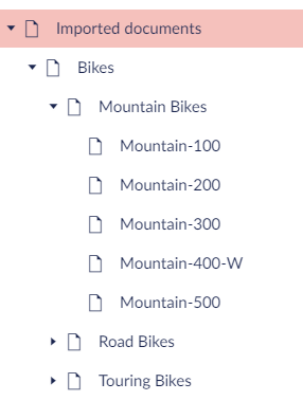
The Import definitions tree shows Products as a child of ProductCategory.
Note
Running a parent definition also runs its child definitions.