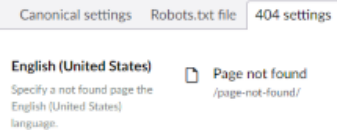
Domain settings
Use the domain settings to set the canonical domain, the robots.txt content and the not found page for each
site (root node).
Canonical domain
When a site can be reached on more than one domain, set the preferred domain here. Enter the production domain, even when the site is not live yet.
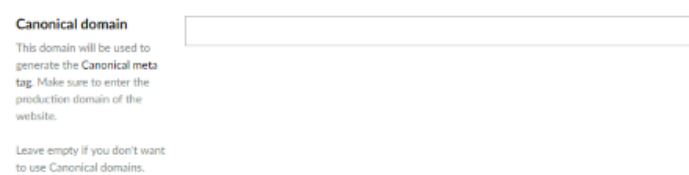
SEOChecker uses this domain when it renders the canonical URL and other meta data of a page.
Tip
When all root nodes use the same language, it's hard to tell them apart in the domain settings. Set
ShowDomainNameInDomainSettings to true to show the
domain of each root node.
Robots.txt
Override the default robots.txt content for this site. See Robots.txt for the
default content.
Not found page
Choose the page to show when a URL can't be found, without changing configuration files. You can set a different not found page per site and per language.