Social preview
The SEO Checker Social property editor shows how a page appears when it is shared on social media.
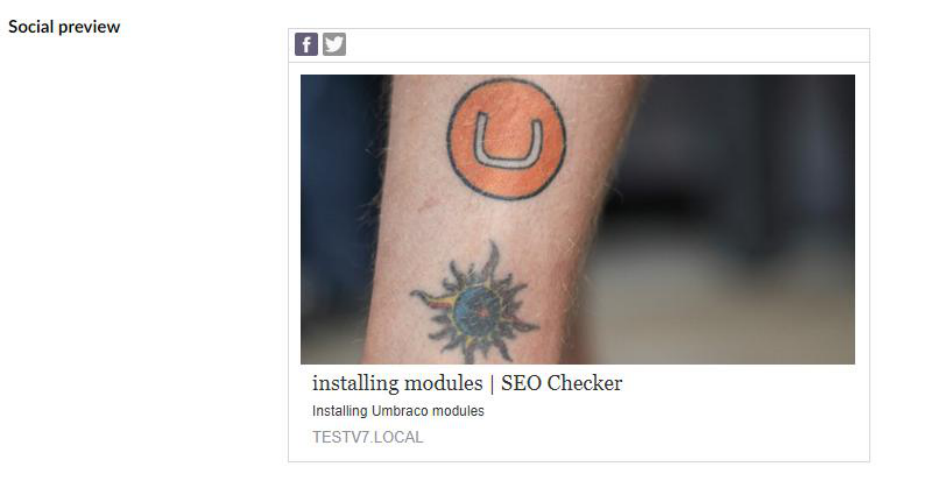
| Network | Tags |
|---|---|
| Facebook, Instagram, LinkedIn | Share the Open Graph (og:*) title, description and image. |
| X (Twitter) | Uses its own twitter:* title, description and image. |
Each network is turned on separately in appsettings.json. All networks are off by default. See
Social settings.
Override the title, description and image
By default the social preview uses the normal SEO title and description. You can override the title and description for Open Graph and for X, so you can write for each audience. You can also pick an image from the Media section.
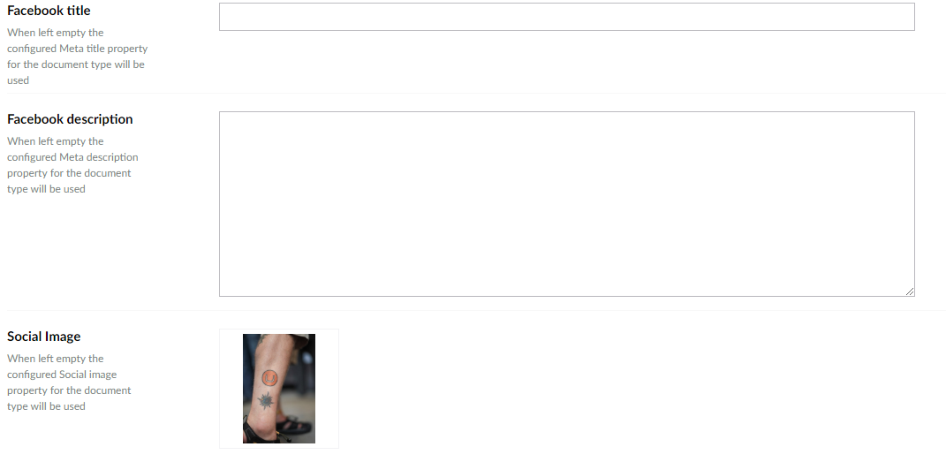
To configure the Data Type, see Property editors.